Your wedding weekend in a French chateau or an Italian villa lasts three or four days. The photographs are meant to last a century, preserving wedding photos for generations rather than for a single season. Between the welcome party, the ceremony and the farewell brunch, a luxury destination wedding generates thousands of files that deserve more than a folder on a laptop.
Preserving wedding photos for generations is not a technical hobby, it is an act of family stewardship. This guide brings together the recommendations of the National Archives and Records Administration and the Library of Congress, translated into a practical system you can set up in a single afternoon.
Preserving Wedding Photos for Generations, 2026 Guide
Reading time: ~12 min
- Why preserving wedding photos for generations matters more than you think
- Step one, gather and organise everything your photographer delivers
- The 3-2-1 backup rule applied to a wedding gallery
- File formats that will still open in fifty years
- Migration, the habit that defeats obsolescence
- Printing, the copy that needs no technology
- Choosing the right album, a comparison
- Storing prints and albums at home
- Handling and digitising older family photographs
- The annual ten minute review
- From coverage to legacy
- Frequently asked questions
Why preserving wedding photos for generations matters more than you think
A wedding gallery is the most complete visual record your family will ever have of a single moment in time. It contains the faces of grandparents who flew across the Atlantic, the craftsmanship of a floral installation that existed for one evening, and the architecture of a venue you may never return to. Digital files feel permanent because they are effortless to duplicate, yet they depend on hardware, accounts, subscriptions and software that all age. Prints feel fragile, yet a well made photograph stored correctly can be handed to a grandchild without a password, a charger or an internet connection.
Digital and physical redundancy
The most reliable approach combines both. Digital redundancy protects against fire, theft and hardware failure. Physical print redundancy protects against storage media obsolescence and the quiet disappearance of online accounts. For couples who have invested a year of planning into a multi-day celebration, treating the images as an archive rather than a download is the logical final step. We design our coverage with that horizon in mind, which is why our fine art albums are handcrafted in France and built from materials chosen for longevity rather than trend.
Step one, gather and organise everything your photographer delivers
Before you back anything up, collect the complete delivery in one place. Most couples only keep the web sized images they shared on social media, then discover a decade later that the print resolution versions are gone. A full archive should include the high resolution edited JPEG files, any RAW files your photographer provides, video files, the digital album layout and the contract that sets out your usage rights.
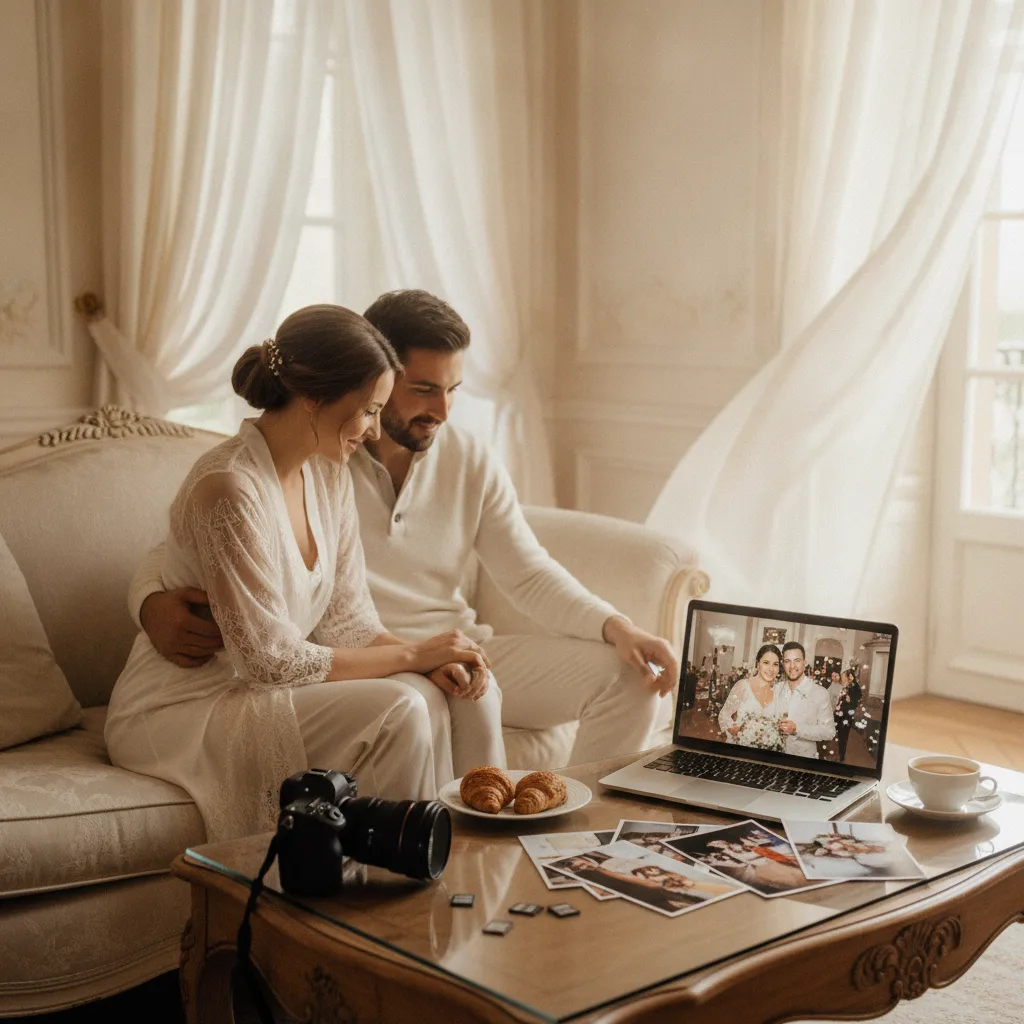
A simple folder structure makes the collection legible to someone who was not there, which is exactly the person who will open it in fifty years. Here is a structure that works for a multi-day celebration:
- 01 Original files, including RAW or camera originals if supplied
- 02 Final edited images at full resolution
- 03 Print ready selections, organised by day, welcome party, rehearsal dinner, wedding day, farewell brunch
- 04 Web sized images for sharing
- 05 Video and film files
- 06 Documentation, contract, vendor list, guest names and venue details
Metadata documentation is the part almost everyone skips. Write a short text file inside the main folder with the wedding date, both full names, the venue and its town, the photographer’s name, the delivery date and the names of the people appearing in the key family portraits. Archivists consider this contextual information as valuable as the images themselves, because an unlabelled photograph loses half its meaning within two generations.
Good to know
File names such as IMG_4821 tell a future reader nothing. Renaming your master folder with the format YYYY-MM-DD Surname Wedding Venue takes two minutes and survives every operating system change.
The 3-2-1 backup rule applied to a wedding gallery
Applying the 3-2-1 backup rule to wedding photos
The most widely used wedding photo backup strategy is the 3-2-1 backup rule, borrowed from professional data management. Keep at least three copies of your files, on at least two different types of media, with at least one copy stored off site. For a wedding gallery this usually means a working copy on your computer, a second copy on an external hard drive kept at home, and a third copy in cloud storage. Couples who consider the images irreplaceable often add a fourth copy on a second external drive stored at a parent’s house or in a safe deposit box.
The off-site copy is the element that matters most. A house fire, a flood or a burglary can remove every local copy at once. Cloud backup for wedding photos solves that problem elegantly, but it introduces a different dependency. An account can be closed, a password can be lost after a bereavement, a service can change its terms. This is why the honest answer to the question of whether it is safe to store wedding photos only in the cloud is no. Cloud storage is an excellent off-site layer inside a wider system, not a system in itself.
File formats that will still open in fifty years
Long-term digital photo storage depends less on the disk than on the format. The Library of Congress Recommended Formats Statement identifies TIFF, JPEG 2000, PNG and JPEG as reference formats for still images, while noting that many camera RAW formats remain proprietary and therefore carry a higher risk of becoming unreadable. Practically, that means you should keep the RAW files if your photographer supplies them, because they hold the fullest sensor data for any future reprocessing, but you should never rely on them as your only copy.
The workable combination is a master archival file in TIFF format for your most important images, typically the portrait you will enlarge, the family groups and the ceremony highlights, alongside the full set of high resolution JPEG files for everyday access. Never re-save a JPEG repeatedly, since each save degrades it slightly. Edit a copy and leave the delivered originals untouched.
Migration, the habit that defeats obsolescence
No storage medium is permanent. External hard drives fail, USB sticks are lost, optical discs outlive the machines able to read them. File migration simply means copying your archive onto newer media before the old one becomes unreadable, then verifying that the files actually open. Plan to replace external drives on a regular cycle rather than waiting for a failure, and keep the previous drive until you have confirmed the new copy in full. A wedding anniversary is the natural reminder, which is why we suggest our couples run a short annual check on the same date every year.
Printing, the copy that needs no technology
A printed photograph is the only version your great-grandchildren can access without a device. For prints intended to last, ask for a professional laboratory, acid-free paper and pigment-based inks, which are significantly more stable than dye-based alternatives. Print more than you think you need. Beyond the portrait above the fireplace, print the family groups, the grandparents, the speeches, the details that date the era and a handful of unposed frames from the welcome dinner.
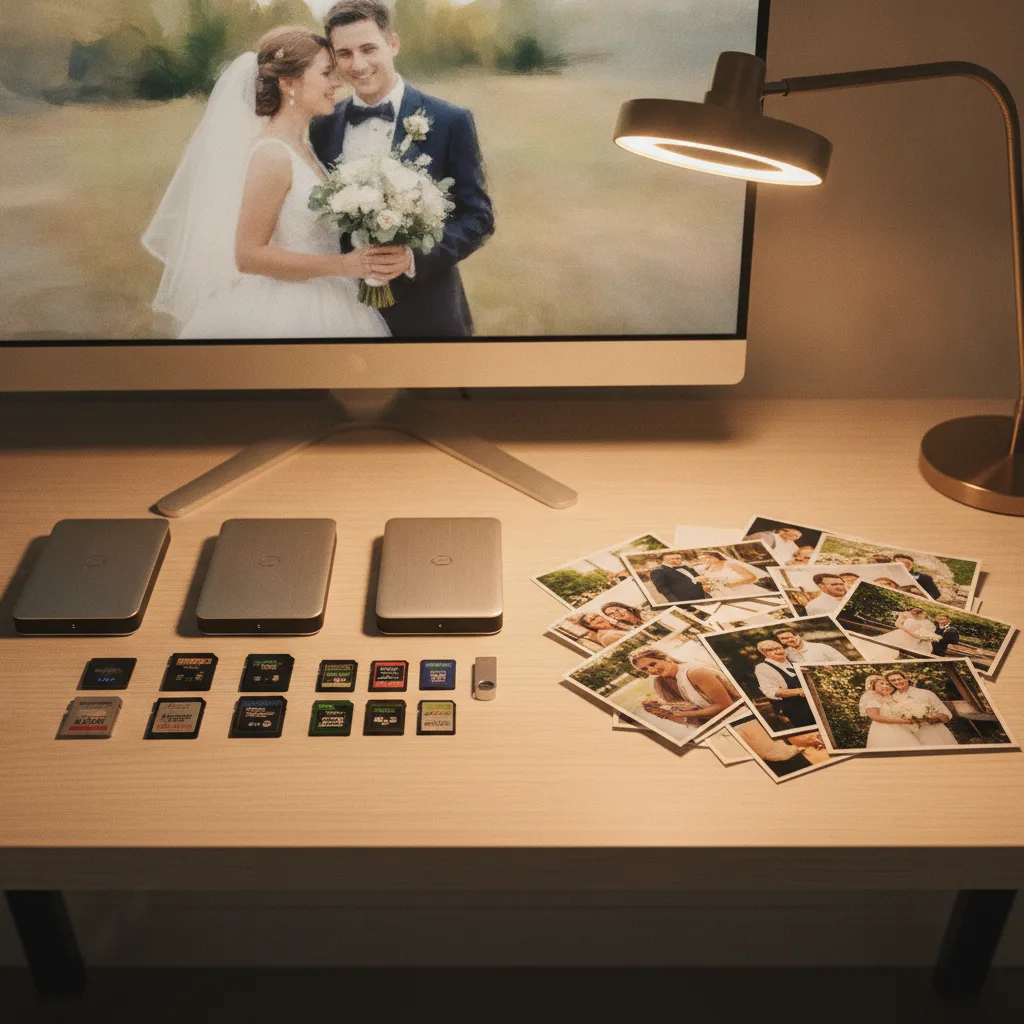
Archival wedding albums as heirlooms
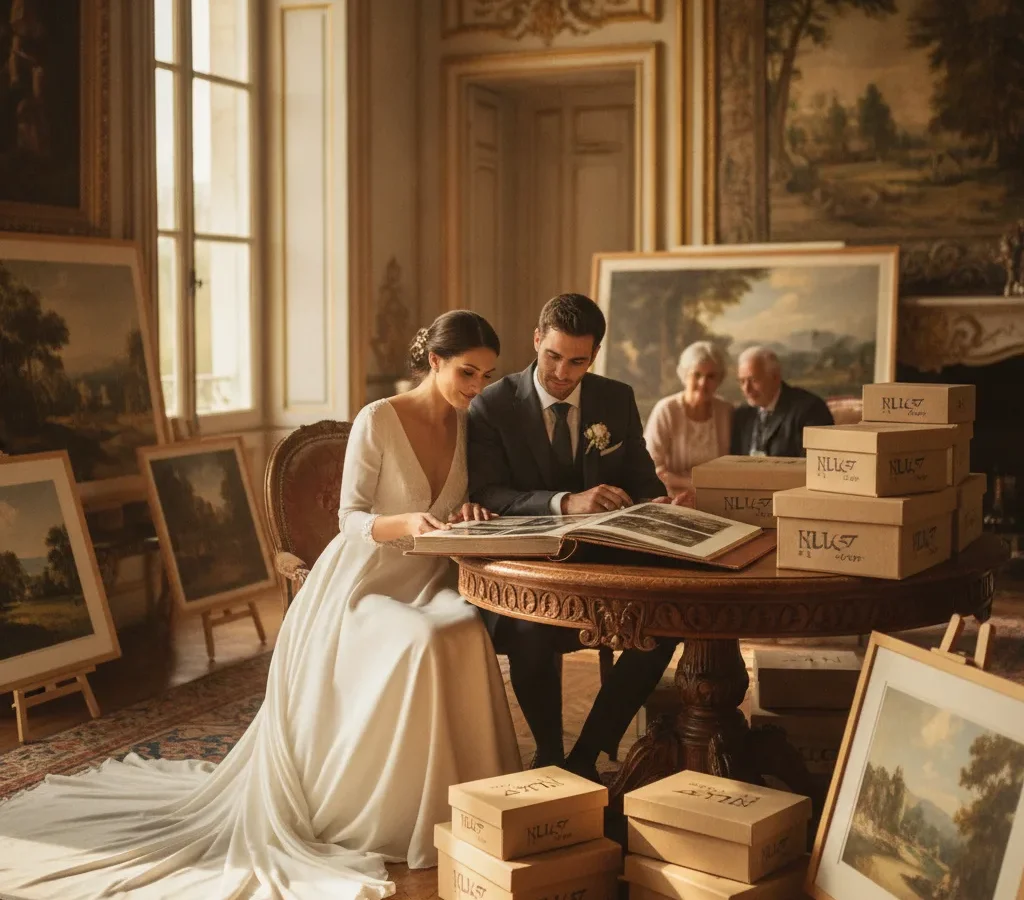
An archival wedding photo album is the most elegant form of this redundancy, because it keeps a curated sequence together and protects the prints between viewings. Materials matter more than the cover. Look for acid-free and lignin-free pages, a binding that opens flat without stressing the spine, a protective clamshell box, and the possibility of ordering duplicate copies for both families. You can see how we approach that kind of heirloom object across our recent work.
Choosing the right album, a comparison
Not every album is designed for a hundred years. The Library of Congress explicitly advises against magnetic or no-stick albums, whose pressure-sensitive adhesive makes prints difficult to remove and can cause staining over time. The table below compares the main options.
| Album type | Advantage | Preservation risk | Best use |
|---|---|---|---|
| Magnetic or self-adhesive album | Quick to fill | Pressure-sensitive adhesive degrades prints and blocks removal | Not recommended |
| Sleeve album | Prints easy to view and replace | Requires polyethylene or polypropylene sleeves, never PVC | Everyday family viewing |
| Acid-free pages with photo corners | Prints held without adhesive contact | Slower to assemble | Heritage prints and negatives |
| Handcrafted fine art album | Editorial presentation, archival materials, protective box | Depends on paper and ink quality, verify both | The primary heirloom copy |
Storing prints and albums at home
The National Archives recommends keeping family photographs below roughly 75 degrees Fahrenheit with relative humidity under 65 percent, about 24 degrees Celsius, and above all in a stable environment. Fluctuation is the enemy. Attics overheat, basements attract damp and mould, garages do both. An interior room, a closet shelf away from exterior walls, radiators and plumbing, raised off the floor in case of a leak, is the best place at home for wedding photo albums.
Use archival photo storage boxes rather than shoeboxes, which are typically made from acidic board. Containers should be acid-free and lignin-free and sized so prints lie flat without bending or sliding. Store the album closed and upright or flat, not wedged between heavy books.
Important
Display a copy, never your only original. The National Archives advises keeping photographs away from direct daylight and fluorescent light, and UV-filtering glazing plus a wall that never receives direct sun will considerably slow fading.
Handling and digitising older family photographs
Handling and digitising family photographs safely
Fingerprints leave permanent marks on photographic surfaces. Hold prints by the edges with clean dry hands, support large prints with both hands, never force a rolled photograph flat, and never repair a tear with tape or glue. If you are also preserving family photographs at home from earlier generations, digitisation is the priority, since those prints and negatives are often unique. Scan at a generous resolution, keep an uncompressed master archival file, create a lighter JPEG for sharing, record the date of digitisation and back the results up exactly like your wedding gallery.

The annual ten minute review
Once a year, on your anniversary, open three or four files at random from each backup, confirm the external drive still mounts, verify that you can log into the cloud account, replace any drive older than your replacement cycle, and look over the album for warping or damp. Add the year’s new family photographs to the same system. That short routine is what actually turns a delivery into an archive.
From coverage to legacy
Everything above starts with what is photographed and how it is delivered. A multi-day celebration documented with editorial consistency across the welcome party, the ceremony and the farewell brunch produces an archive with narrative coherence, not a collection of disconnected highlights. That is the standard we hold ourselves to for couples marrying in France and Italy, and you can read more about our approach or start a conversation.
The method is simple enough to remember. Keep three copies on two kinds of media with one off site, keep both your RAW and high resolution files, print generously on archival materials, store everything cool, dry and stable, and check the system once a year. Do that, and the photographs of your wedding weekend will still be opening a room in a hundred years.
FAQ
What should I do with the online gallery link my photographer sends?
Treat it as a delivery method, not as storage. Download the complete gallery at full resolution within the availability window, verify that every file opens, then build your own backups. Online galleries are hosted on third party platforms and are not designed as permanent archives.
Should we order duplicate albums for our parents?
It is one of the most effective preservation decisions you can make. A second and third copy held in different households is physical off-site redundancy, and it protects the family record against a single incident such as a fire or a flood.
How do we protect the wedding film alongside the photographs?
Apply the same 3-2-1 approach and keep the highest resolution master file your videographer delivers, not only the compressed version shared online. Video files are large, so plan external drive capacity accordingly and include them in your annual verification.
What if a print is already stained or torn?
Do not attempt a repair with tape or adhesive, which causes irreversible damage. Digitise the print as it is so the image is secured, store it flat in an acid-free enclosure, and consult a paper conservator if the original has significant sentimental or historical value.
Who in the family should know how the archive works?
At least one other person. Record where the drives are kept, which cloud account holds the files and how to access it, and store that note with your important family documents. An archive nobody can find has not been preserved.